
accounting
Accounting overview
How the accounting module fits together — from source data to reviewed financial statements.
Last updated 12/09/2026
The accounting module takes you from source data to reviewed financial statements. This guide explains how the pieces fit together.
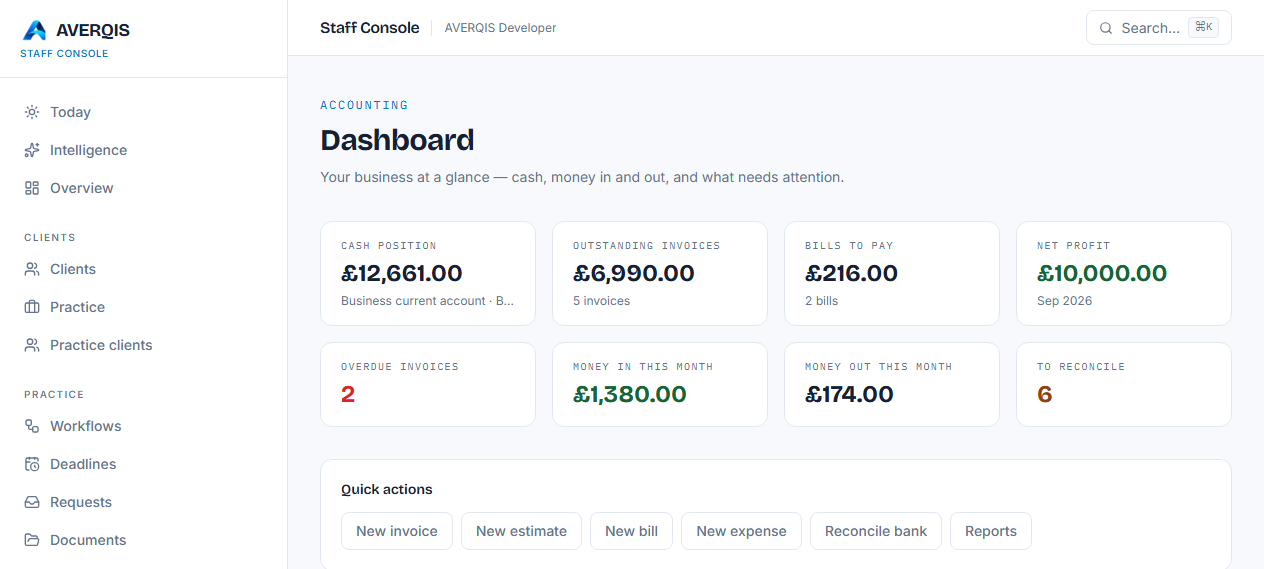
The flow
- Chart of accounts — set up the accounts your work uses.
- Invoicing — record money owed to you.
- Estimates — quote work before it happens, then convert to an invoice.
- Bills — record supplier invoices you need to pay.
- Expenses — record day-to-day spending.
- Bank feeds — import statements and reconcile them against everything above.
- Reports — Profit & Loss, Balance Sheet, Cash flow and aged receivables/payables.
- Year-end — review, adjust and finalise the financial statements.
What each report tells you
- Profit & Loss — income minus expenses for the period.
- Balance Sheet — what you own (assets) versus what you owe (liabilities) plus equity.
- Cash flow — how cash actually moved in and out of the bank.
- Aged receivables — who owes you money and how overdue it is.
- Aged payables — what you owe suppliers and how overdue it is.
Keeping it accurate
- Reconcile your bank every month so the numbers match your statements.
- Mark invoices paid when money arrives; mark bills paid when you pay them.
- Imported trial balances feed the reports — see the year-end guide for the full flow.
Related guides
- [Chart of accounts](/guides/chart-of-accounts)
- [Creating an invoice](/guides/creating-an-invoice)
- [Bills and expenses](/guides/bills-and-expenses)
- [Reconciling your bank](/guides/reconciling-your-bank)
- [Reports](/guides/reports)
- [Year-end](/guides/year-end)