
bills
Bills and expenses
Record what you owe suppliers and what you spend — the payables and receipts side.
Last updated 12/09/2026
Bills and expenses are the money-out side of your books.
- Bills are supplier invoices you owe — recorded as they arrive and marked paid when settled.
- Expenses are day-to-day spending — recorded as it happens.
Recording a bill
- Go to Accounting → Bills.
- Click New bill.
- Search for the vendor — or add the vendor the first time (they're saved for next time).
- Set the bill date and due date.
- Add line items (description, quantity, unit price, VAT).
- Click Record bill — it appears as received (to pay).
When you pay it, click Mark as paid. Bills past their due date show as overdue.
Recording an expense
- Go to Accounting → Expenses.
- Click New expense.
- Optionally pick a vendor.
- Set the date.
- Choose a category (Travel, Software, Office, etc.).
- Enter the amount (excl. VAT) and the VAT % — the total is calculated.
- Add a description of what it was for.
- Click Record expense.
Vendors
Vendors are the suppliers you pay. They appear in the bill and expense pickers and are reused across clients. Adding one the first time is all it takes.
Tips
- Attach the reason to every expense — it makes reports and questions much easier.
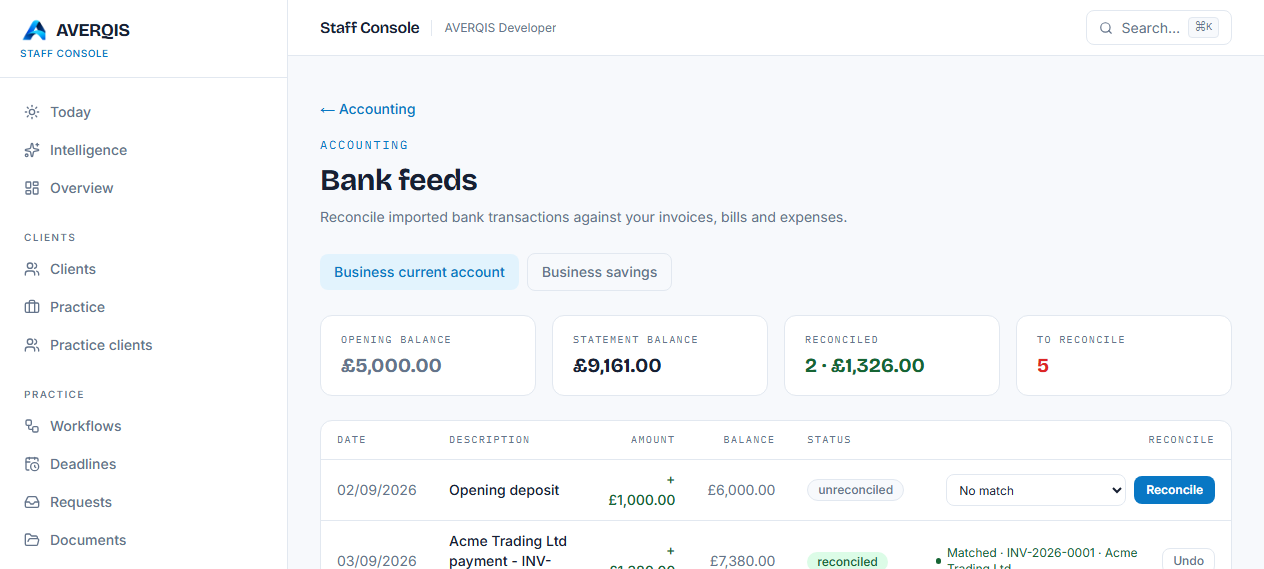
- Reconcile a paid bill or expense against your bank feed so the ledger matches the bank.
- Use the Bills to pay and Money out figures on the dashboard to plan cash.
Related
- [Reconciling your bank](/guides/reconciling-your-bank)
- [Reports](/guides/reports)