
invoicing
Creating an invoice
Create, send and mark invoices paid.
Last updated 12/09/2026
Open Invoices
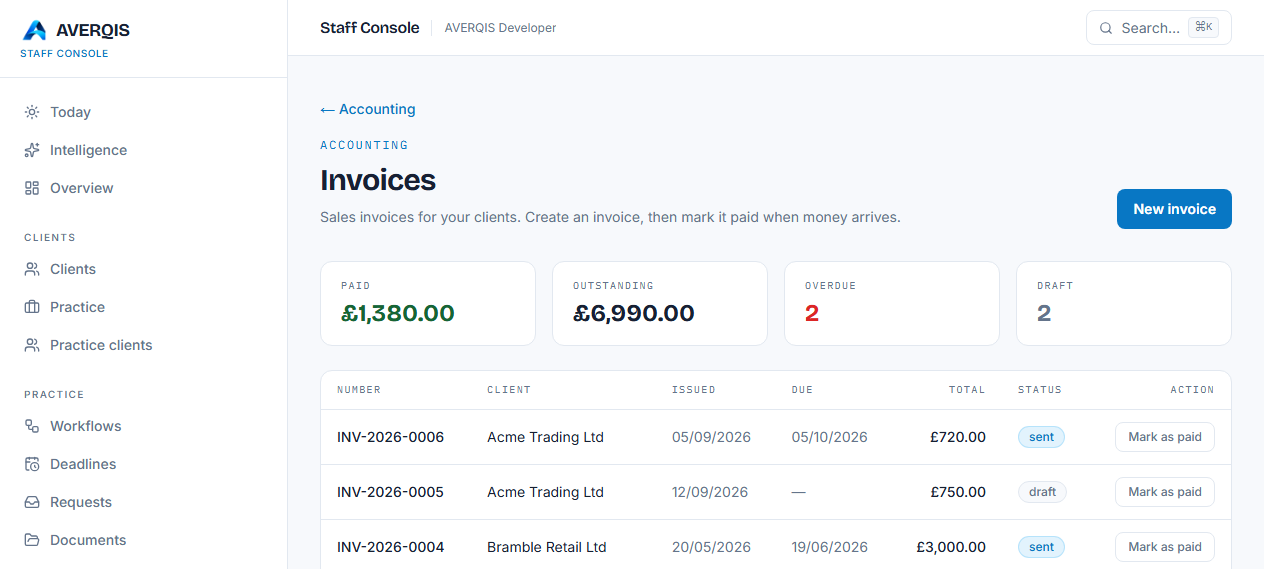
From the staff console go to Accounting → Invoices.
Create
Click New invoice, search for the client, add one or more line items (description, quantity, unit price and VAT) and set a due date. The total is calculated as you type.
Manage
- Mark as paid when the money arrives.
- Invoices that pass their due date show as overdue on the dashboard and reports.
- Estimates work the same way and can be converted to invoices.