
intelligence
AVERQIS Intelligence
A live worklist of what needs attention, and a snapshot of every client.
Last updated 12/09/2026
Intelligence turns your data into a clear list of what needs attention — so nothing slips and nothing gets re-searched.
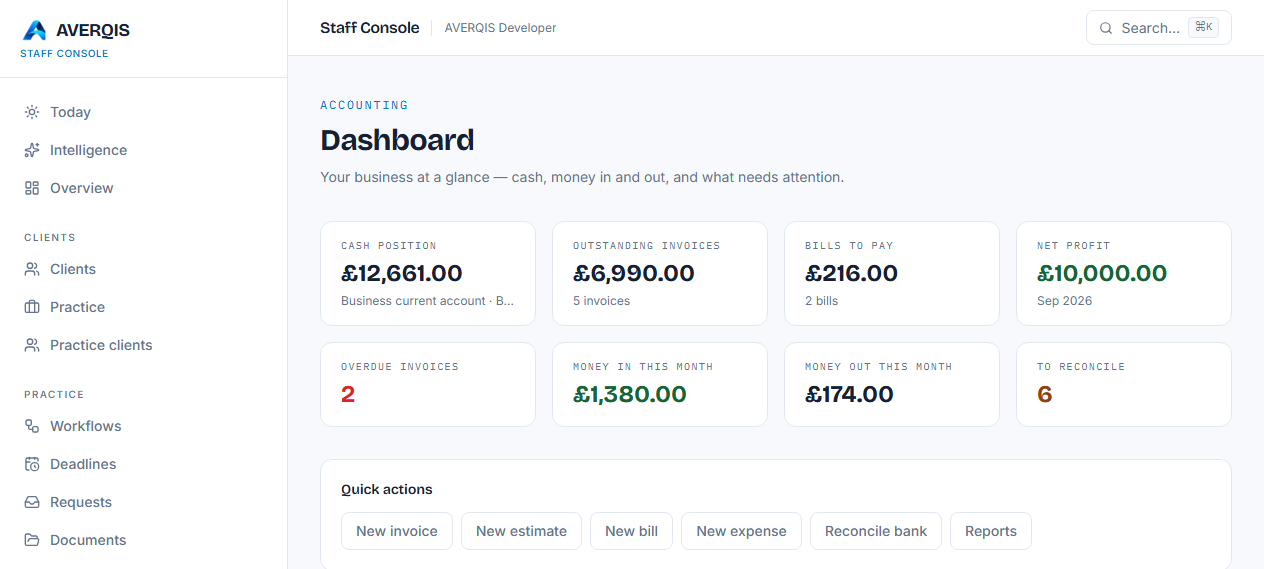
The worklist
Intelligence computes, live, from your data:
- Overdue invoices — passed their due date and still unpaid.
- Outstanding invoices — money owed in total.
- Bills to pay — and whether any are overdue.
- Bank transactions to reconcile — statement lines not yet matched.
- Deadlines — approaching or overdue.
- Open client requests — awaiting action or a client reply.
- Documents to review — OCR results flagged for confirmation.
- Open estimates — not yet decided.
- Year-ends under review — waiting for sign-off.
Cards are ordered by priority (critical first) and link straight to the module that needs attention.
Client snapshots
Below the worklist, every client shows:
- Outstanding — how much they owe.
- Overdue — unpaid invoices past due (with a red indicator).
- Requests and estimates — open items.
- Next deadline — the earliest date coming up.
Tips
- Make Intelligence your first screen of the day.
- Chase overdue invoices and deadlines from the worklist links.
- The figures are always current — no refresh needed.
Related
- [Accounting overview](/guides/accounting-overview)